
Best educational apps for toddlers that actually teach are the ones that keep little hands busy without turning them into passive little watchers. The right app can help a 2-year-old practice letters, numbers, shapes, sounds, and simple problem-solving — but the wrong one is just bright colors, noisy buttons, and a fast track to tantrums when the screen turns off.
If you’ve been staring at app store stars, reviews, and “ages 2–5” labels wondering what’s actually worth your time, you’re in the right place. By the end of this, you’ll know exactly how to pick toddler learning apps that teach something real, not just entertain.
Important: The information in this article is for educational purposes only and does not constitute medical advice. Every child and family is different. Always speak with your pediatrician or a qualified medical professional before making any health-related decisions.
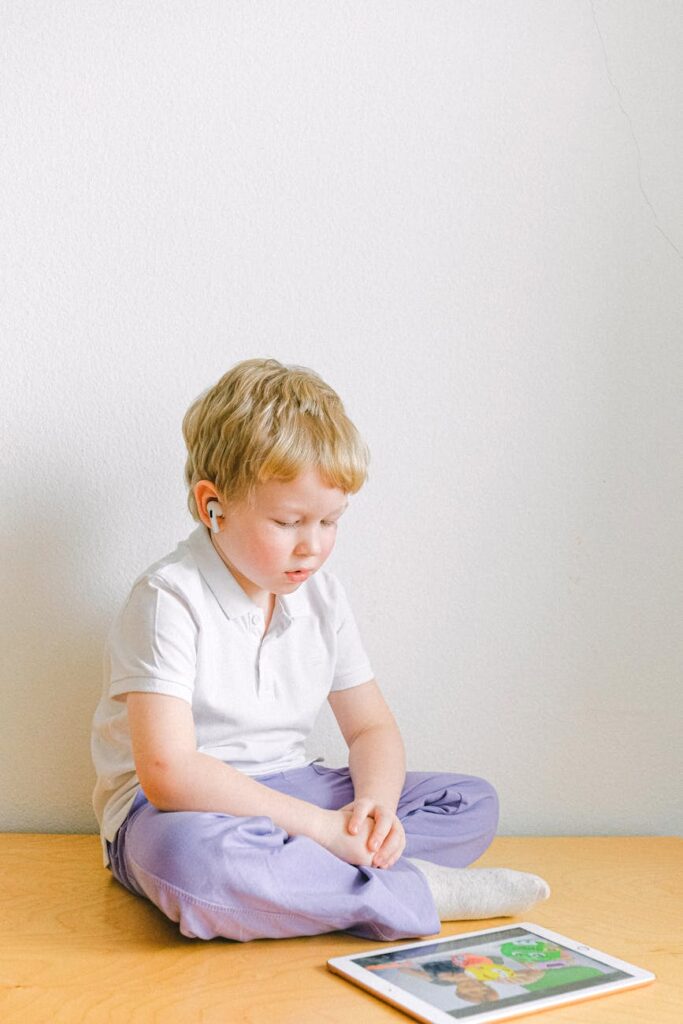
Table of Contents
Why most toddler apps feel smart but don’t teach much
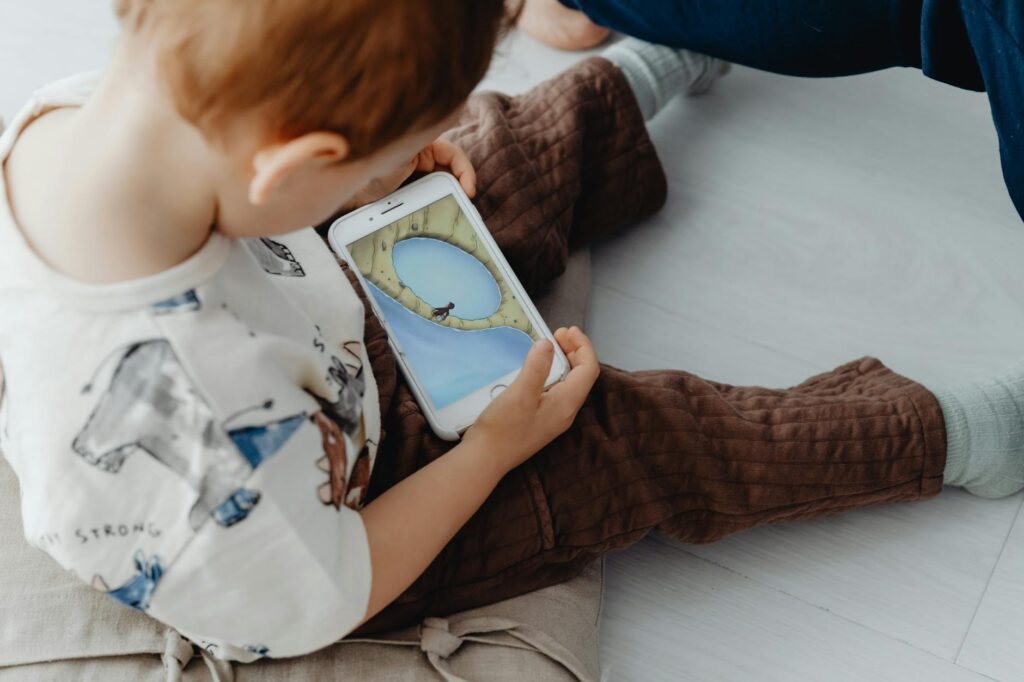
Picture this: your toddler taps a flashing animal, hears a cheerful sound, and gets a confetti explosion. It feels educational. But if the app does the thinking for them, there’s not much learning happening underneath the glitter.
That’s the trap. Many learning apps for toddlers are designed to hold attention, not build understanding. A real educational app should ask your child to do something, not just watch something happen. The American Academy of Pediatrics has long emphasized that high-quality, interactive media matters far more than passive screen time, especially for very young children, and recommends co-viewing or co-playing whenever possible. You can read their guidance on media use through the American Academy of Pediatrics media use recommendations.
Here’s the blunt truth: if a toddler app doesn’t require choosing, matching, repeating, dragging, sorting, or responding, it’s probably a digital toy — not a teacher. And that distinction matters more than the app store rating.
The good news? Once you know what real learning looks like on a tiny screen, the “best apps for toddler learning” become much easier to spot. Let’s get into that next.
The core truth about best educational apps for toddlers that actually teach
The best educational apps for toddlers that actually teach do three things exceptionally well: they keep the child actively engaged, they repeat one skill at a time, and they connect the digital task to a real-world concept a toddler can understand.
Toddlers learn through repetition, not novelty overload. A 2-year-old doesn’t need twenty bright activities in one session; they need one simple idea practiced in different ways. That’s why the strongest toddler learning apps usually focus on a narrow set of skills — like shapes, colors, letters, counting, sounds, or early matching — instead of trying to be everything at once.
Research from the National Library of Medicine and developmental experts consistently points to the same pattern: young children learn best from interactive, responsive experiences, especially when an adult helps connect the app to the real world. A screen can reinforce learning, but it doesn’t replace hands-on play, conversation, blocks, crayons, or books.
That’s the surprising part many parents miss: the best app is usually the one that does less, not more. It teaches one thing clearly, then gets out of the way.
- Specific skill focus: An app that teaches letter sounds is better than one that tosses in letters, colors, animals, and puzzles all at once.
- Active response: The child should drag, tap, match, repeat, or sort — not just watch animations.
- Low distraction design: Too many pop-ups, ads, and side games break learning fast.
- Real-world transfer: The app should help your child recognize something outside the screen, like counting crackers or naming a triangle on a sign.
Once you know that, choosing becomes less emotional and much more practical. Next, I’ll show you exactly how to screen apps before you download them.
How to choose the best apps for toddler learning in 5 minutes
You do not need to test every app for a week. You need a fast filter that tells you whether it’s teaching or just sparkling.
- Check the interaction test: Open the app preview or screenshots. Ask yourself: does this app make my toddler think, choose, or solve, or is it mostly watching?
- Look for one skill at a time: Pick apps centered on a single early-learning goal, like counting to 5, matching shapes, or learning animal sounds.
- Scan for ad clutter and upsells: If the app is filled with frequent purchase prompts, autoplay videos, or loud ads, skip it. That’s not toddler-friendly design.
- Check for open-ended repetition: The best toddler learning apps allow repeat play without pushing the child through a new level every 20 seconds.
- Try it together first: Sit with your child for the first few sessions. Say the words out loud, name what they tap, and connect the app to something real: “Yes, that’s a circle — just like your plate.”
That co-play piece matters more than most app descriptions admit. The app is the tool; you are the teacher.
And if you want a strong outside benchmark, Common Sense Media’s app and media reviews are a useful place to check age-appropriateness and learning value before downloading anything: Common Sense Media app reviews. That little step can save you from a lot of wasted downloads. Now let’s look at the evidence behind why this approach works.
What the research says about toddler learning apps
Here’s the part that should make every parent breathe easier: screens are not automatically bad for toddlers. But the type of screen use matters a lot.
One widely cited study in Pediatrics found that educational media can support early literacy and learning when it is interactive and age-appropriate, especially when adults participate. The AAP’s guidance also stresses that children under 2 learn best from real-world interaction, with video chats being the main screen exception because they are responsive and social.
The World Health Organization recommends limiting sedentary screen time for young children and prioritizing active play, sleep, and social interaction. That doesn’t mean zero screen use is the only good choice for every family. It means screen time should be intentional, not default.
What this actually means for you: if your toddler uses an app for 10 minutes while naming colors with you, that can be very different from 10 minutes of passively watching cartoons disguised as learning. Context is everything.
One more useful angle: children tend to learn better when the digital task maps onto a real-life concept they already understand — like sorting socks by color or finding all the red apples. That’s why the best educational apps for toddlers often feel simple. They’re building the bridge from screen to real life, not replacing it.
So yes, the research supports educational apps — but only the right kind, used the right way. That brings us to the mistakes that quietly ruin learning.
The app mistakes that make screen time look educational
Some apps fail loudly. Others fail politely, with cute music and smiling animals. These are the ones that fool parents the fastest.
- Mistake #1 — Confusing entertainment with instruction: If your toddler can tap randomly and “win,” the app may be rewarding luck, not learning. Choose apps that require matching, identifying, or repeating a skill.
- Mistake #2 — Choosing apps with too much going on: Toddlers do not learn better because an app has five mini-games, three voices, and a parade of stickers. Simpler usually works better.
- Mistake #3 — Using solo screen time as a substitute for interaction: Toddlers learn through back-and-forth conversation. If the app is being used to buy you silence every day, it’s time to rebalance.
- Mistake #4 — Ignoring design problems: Ads, in-app purchases, autoplay videos, and confusing navigation interrupt learning and frustrate small kids fast. A toddler-friendly app should feel calm and predictable.
One more mistake deserves an honest callout: overestimating “educational” labels. App store descriptions are marketing, not proof. When in doubt, judge the app by what your child actually does in it — not by the logo on the listing.
Once you start spotting these traps, the good apps become obvious. And that matters even more as toddler tech keeps growing.
Why the best educational apps for toddlers that actually teach matter more now
We’re not moving toward a world with less screen time. We’re moving toward a world where children encounter screens earlier, more often, and in more places.
That’s why the question is no longer whether toddlers will use apps. It’s whether the apps they use will be developmentally smart. The early childhood field is increasingly focused on designing media that supports language, attention, and joint engagement instead of just grabbing eyeballs. That shift is visible in guidance from organizations like the educational media researchers and pediatric groups, who keep coming back to one principle: quality beats quantity.
Here’s the future-facing insight: the next wave of toddler apps will likely be judged less by how “fun” they are and more by how well they support family interaction, executive function, and early language. Parents are getting smarter, and so are the standards.
Why should you care right now? Because the apps you choose today shape what your child expects screens to do tomorrow. Better choices now build better habits later.
Common questions about best educational apps for toddlers that actually teach
What are the best educational apps for toddlers?
The best educational apps for toddlers are the ones that teach one clear skill, keep your child actively involved, and avoid clutter like ads and endless pop-ups. Look for apps that support early counting, letter recognition, shapes, colors, and simple matching. If you’re unsure, check them with your pediatrician’s guidance and use them together at first.
Are educational apps good for 2 year olds?
They can be, if they’re short, interactive, and used with an adult nearby. Two-year-olds learn best from real-world play and conversation, so apps should be a supplement, not the main event. For health or development concerns, it’s always smart to confirm what’s appropriate with your child’s doctor.
How much screen time is okay for toddlers?
There isn’t one perfect number for every child, but major pediatric and public health groups consistently recommend limiting screen use and prioritizing sleep, play, and face-to-face interaction. The quality of the content and whether an adult is involved matter a lot. If you’re trying to set a routine, ask your pediatrician what fits your child’s age and temperament.
How do I know if a toddler app is actually educational?
A truly educational app makes your child think and respond, not just tap and watch. It should teach a single concept clearly, repeat it often, and connect to something your child can recognize in daily life. If it feels more like a toy than a lesson, it probably is.
The real win with toddler learning apps isn’t screen time, it’s transfer
Here’s the part that changes everything: the goal is not to make your toddler “good at apps.” The goal is to help them notice shapes at the park, count grapes on a plate, recognize letters in a book, and feel confident trying again when they miss something.
That’s what the best educational apps for toddlers actually teach — not just answers, but recognition. Not just tapping, but early thinking. And when you choose apps that support that kind of learning, screen time starts to earn its place.
If you do one thing today, pick one app you already have on your phone and ask: What is my child actually learning here? If the answer is fuzzy, delete it and replace it with one that clearly teaches a single skill.
And if you’re still deciding, choose the calmest, simplest app on the list — then sit with your child for the first five minutes. That one small move will tell you more than any star rating ever could.
You’re not looking for perfect. You’re looking for useful — and that’s a very good place to start.
Explore more parenting resources on AmyandRose.